 CaIoT
CaIoTPick any visible color
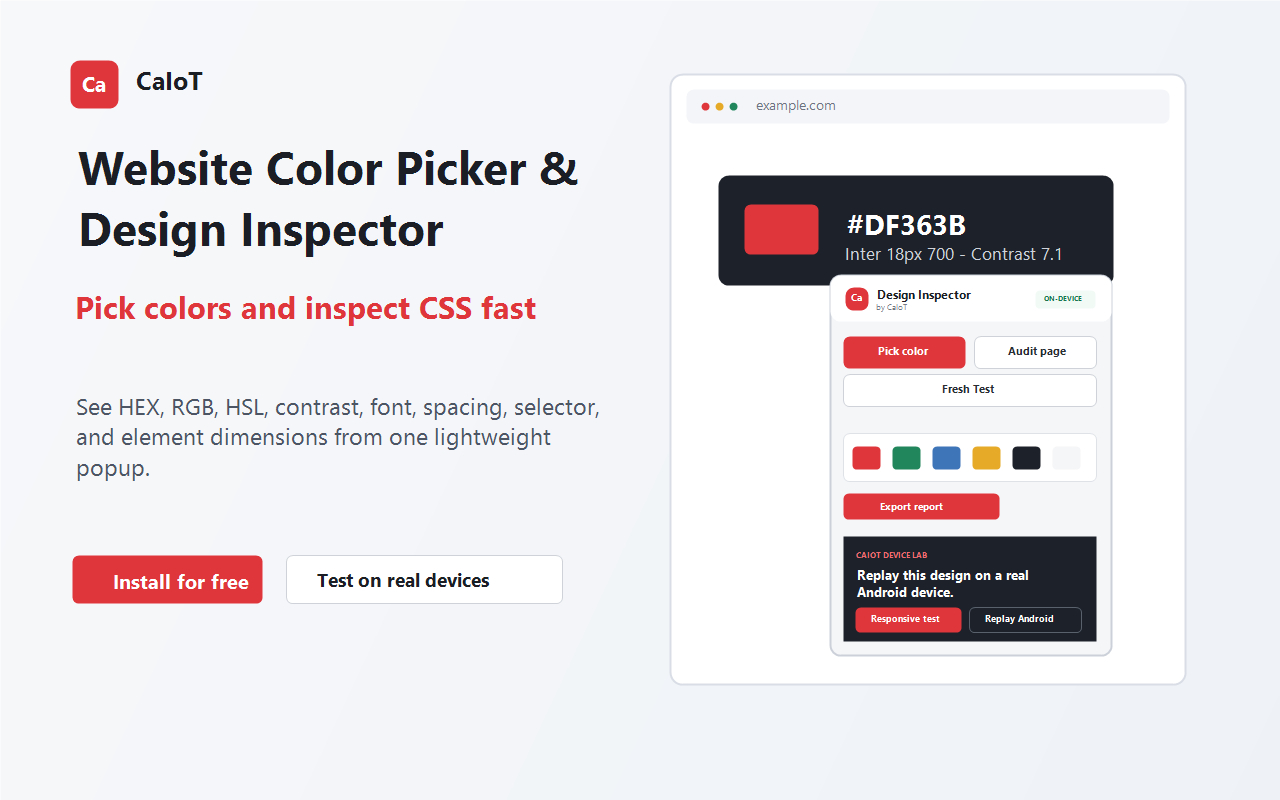
Sample elements or image pixels and copy HEX, RGB and HSL values with surrounding design context.
CaIoT browser extension
Move from a pixel on the page to copy-ready CSS and release evidence. Pick exact colors, inspect live design properties, create gradients, catch accessibility and responsive risks, and export a client-ready audit—all without uploading the page.
18 colors · 7 font styles · 2 findings
One focused workflow
Designed for developers, designers, QA engineers and agencies who need more than a swatch picker.
Sample elements or image pixels and copy HEX, RGB and HSL values with surrounding design context.
See selectors, text and background colors, fonts, dimensions, spacing, borders and contrast.
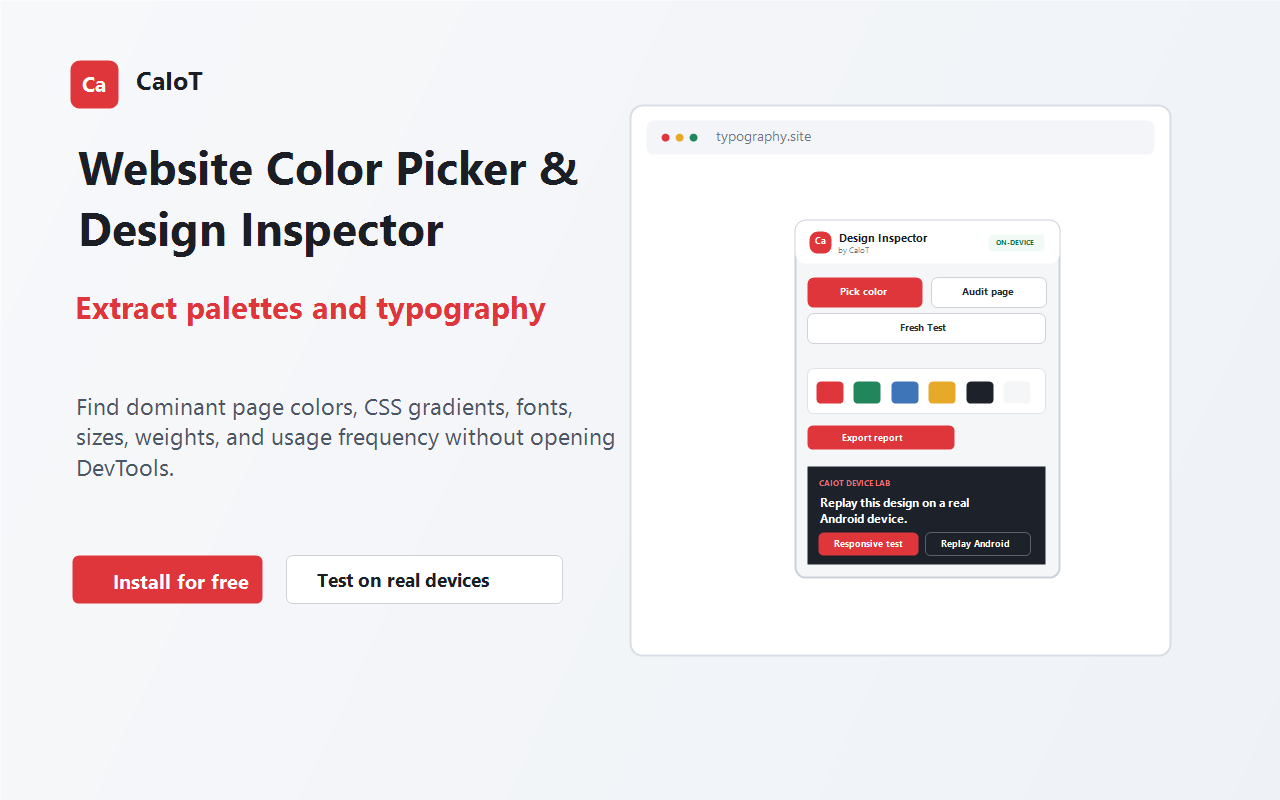
Extract frequently used colors, copy detected linear, radial and conic gradients, and map typography patterns from the active page.
Check contrast, overflow, viewport metadata, alt text, labels, headings and touch-target sizing.
Clear cache and Cache Storage for only the current site, with an optional service-worker reset.
Download a formatted, printable HTML report or raw JSON with colors, gradients, fonts, findings and page context.
Built around real design work
Every result connects a visual decision to the page, CSS and test evidence behind it.
Free browser design tools
Go beyond one-off color values. Generate harmonies, a 10-step UI scale, reusable CSS tokens, verified contrast pairs and production-ready gradients—instantly, without an account or upload.
Modern browser output: Chrome, Edge, Firefox, Safari and Opera support the generated unprefixed CSS.
Browser to real device
Open the extension on an HTTP or HTTPS page and pick a color or run the full audit.
Prioritize findings, copy selectors, and save HTML or JSON evidence locally.
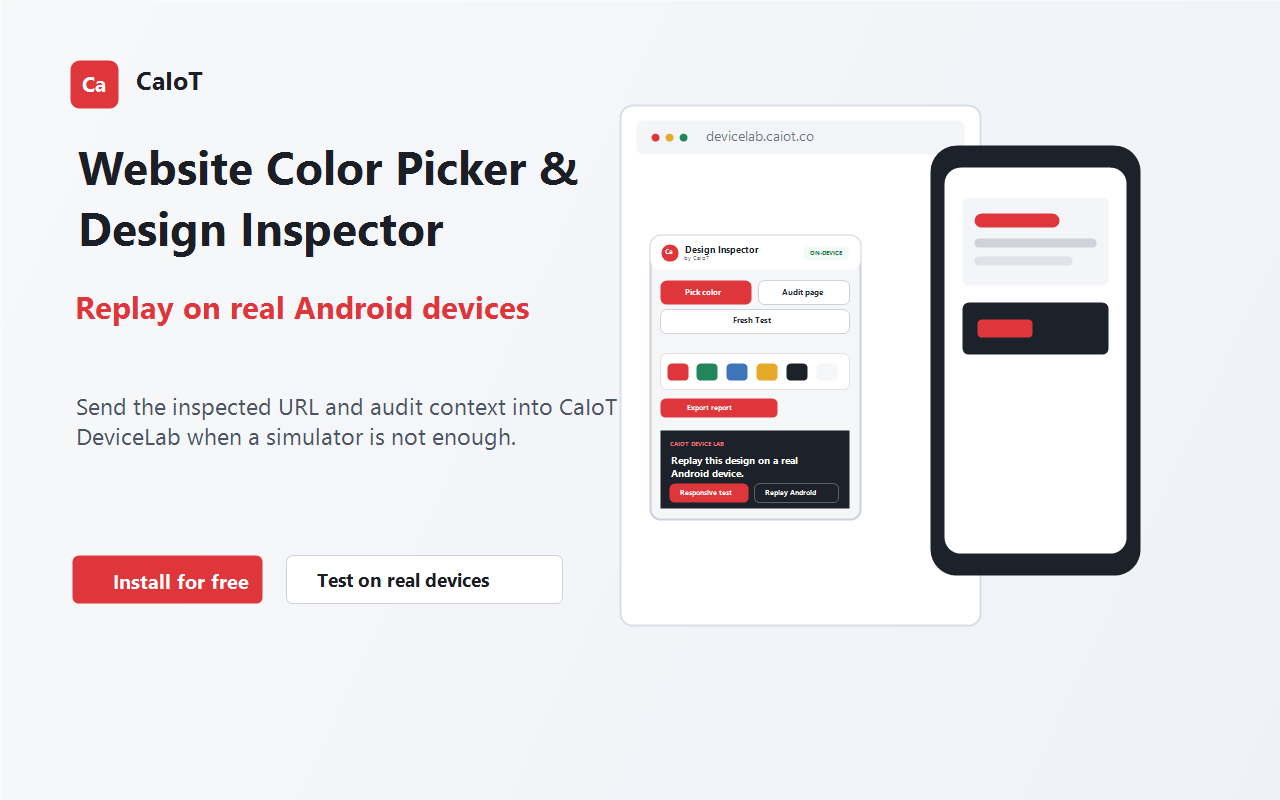
Choose an available Android phone. DeviceLab reserves it, waits for the first live frame, then opens the inspected URL automatically.
When simulation is not enough
The extension sends only the inspected HTTP(S) URL and compact audit counts after you choose Real Android Replay. DeviceLab keeps it queued until the selected phone is live, opens it automatically, and clears the replay after delivery. End Session terminates the stream, cleans the session and releases the reservation.
Try DeviceLab freePrivacy by design
The extension does not request persistent access to every site. It runs on the active tab after a direct user action.
Browser extension
The production packages are prepared for Chrome, Edge, Firefox and Opera. Store links will activate here as each listing is approved.
Manifest V3 package with user-invoked active-tab access.
Chromium-compatible Edge Add-ons package.
Firefox package with equivalent inspection workflow.
Opera Add-ons package for Chromium browsers.
Questions
The extension’s current inspection, audit, Fresh Test, and local export features are prepared as a free browser utility. Real-device use follows the DeviceLab plan and device-minute rules shown in the portal.
Open the Gradient tab above and choose a linear, radial, conic or repeating layout. Add unlimited color and opacity stops, adjust HSL, reverse or rotate it, import CSS or a local image, preview it on a UI object, then copy production-ready output.
It checks common design and delivery signals including colors, gradients, typography, contrast, horizontal overflow, viewport metadata, missing alt text, unlabeled controls, small touch targets and heading structure. It is a focused assistant, not a substitute for a complete accessibility review.
No. It clears cache and Cache Storage only for the active website. Cookies, saved passwords, history, form data and local storage are preserved. Resetting the current site’s service worker is optional.
DeviceLab stops the stream, performs the applicable cleanup, releases the device reservation, and synchronizes the ended state across open DeviceLab tabs.